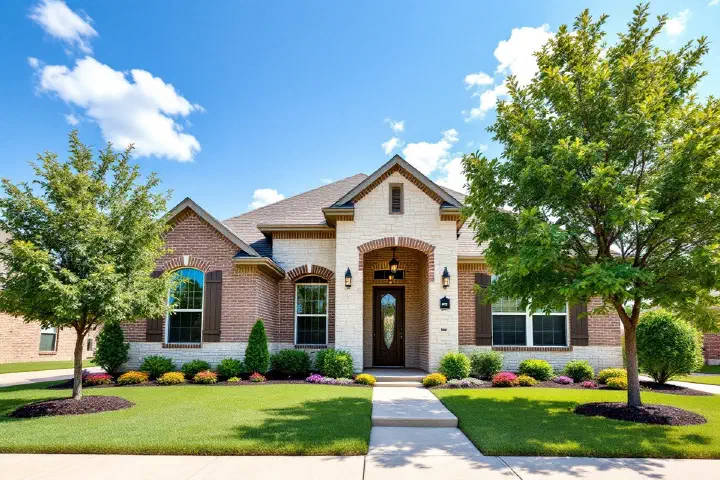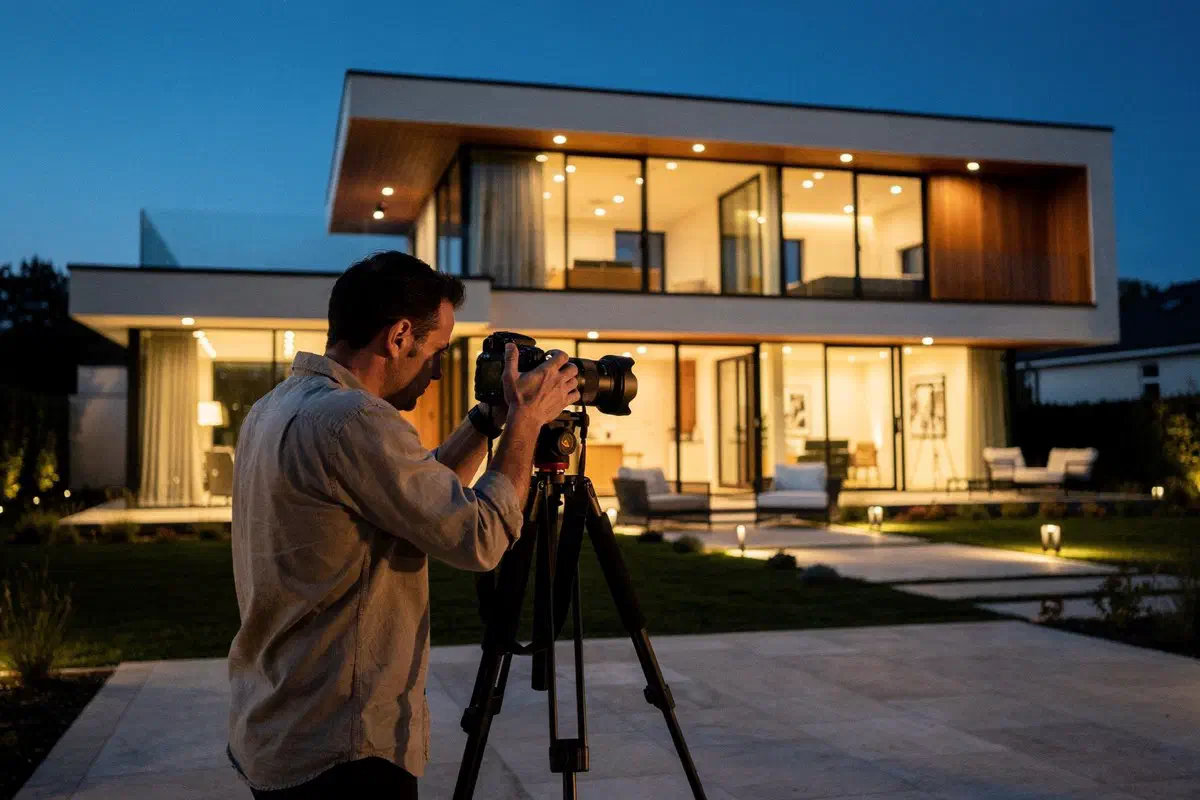
Who Owns Real Estate Listing Photos?
Listing photos are owned or licensed by the photographer or the listing broker. Which one depends on the agreement between them. Many professional photographers keep the copyright and license the images to the listing agent or brokerage for marketing that listing. Seeing a photo in the MLS doesn’t give you the right to post it. Before you put listing photos on social media, make sure your license covers that use, and if it’s another agent’s listing, get the listing broker’s permission and confirm the photos come with it.
Table of Contents
▼Why This Comes Up So Often on Social
Listing photos are the best-looking content most agents have. They’re professionally shot, already sized, and sitting right there in the MLS. When you need a post for Tuesday, it’s tempting to grab them.
That’s where agents get tripped up. Who owns the photos and who’s allowed to use them are two different questions, and the answers don’t always point to the same person. The photographer may own them. The listing broker may have a license. You, the agent who posted them on Instagram, may have neither.
The Usual Setup: Photographer Owns, Agent Licenses
The most common arrangement works something like this:
- The listing agent or brokerage hires a photographer.
- The photographer keeps the copyright. Under copyright law, the person who takes a photo generally owns it unless there’s a written agreement that says otherwise.
- The photographer licenses the photos to the agent or brokerage for certain uses, usually marketing the listing.
Some photographers transfer ownership outright, or the photos are shot by a brokerage employee, in which case the brokerage may own them. Some agents shoot their own photos and own them. Every agreement is different, and that’s the point: you have to know what yours says.
License Terms Vary More Than You’d Think
When you’re the listing agent, your license from the photographer decides what you can do. Terms we’ve seen agents run into include:
- Duration. Some licenses cover the photos only while the property is being marketed. Others have no end date.
- Use. Marketing the listing might be covered, but a “just sold” post, your website portfolio or a recruiting ad might not be.
- Who’s covered. A license to the listing agent may not extend to the buyer’s agent, the brokerage’s main account or a future listing agent if the seller relists with someone else.
- Sublicensing. Some agreements allow you to grant others permission (say, a co-listing agent or a cooperating agent who wants to post). Some don’t.
- MLS use. Uploading to the MLS is almost always allowed, because that’s the whole point. That permission doesn’t automatically extend to social media.
If you don’t know what your agreement says, ask your photographer. Most are happy to clarify, and many will grant broader use if you ask up front.
Posting Your Own Listing’s Photos
This is the easy case, usually. If you’re the listing agent and your photographer’s license covers marketing the listing, your just listed, open house and price-update posts are generally fine.
Check two things anyway:
- Does the license cover social media? Most marketing licenses do, but confirm it if the agreement is narrow.
- Does it outlast the listing? If you want to use the photos in a “just sold” post or your portfolio a year from now, make sure the license allows it. Our just sold post ideas article has options that don’t depend on listing photos, like a closing-day photo you took yourself (with your client’s permission).
Posting Photos From Someone Else’s Listing
This is the harder case, and it stacks two permission problems.
First, you need the listing broker’s permission to advertise the listing at all. That’s NAR MLS policy, and South Carolina and New York put it into statute. See can you post another agent’s listing on social media? for the details.
Second, even with that permission, the listing broker may not have the right to let you use the photos. If the photographer licensed them only to the listing agent, the listing agent can’t hand that permission to you without the photographer’s okay.
When you ask the listing agent for permission to feature their listing, ask about the photos in the same message. If they aren’t sure, use your own exterior shot from the street, or skip the post.
What About Buyer’s Agents?
You represented the buyer. The house closed. You want a “just sold” post. The photos you’d naturally reach for belong to the listing side.
You generally don’t have a license to those photos. Your options:
- Take your own photo. A shot of the front of the house from the street, or a closing-day photo of your buyers with the keys (with their permission), works well and belongs to you.
- Ask the listing agent. Some will say yes, and some photographers allow it. Get it in writing.
- Use a graphic without the photo. A branded “Just Sold” graphic with the neighborhood name can do the job.
Leave the sold price out unless your client asks for it and your MLS and state allow it.
The DMCA Takedown Risk
If you post a photo you don’t have rights to, the copyright owner can send the platform a takedown notice under the Digital Millennium Copyright Act. Platforms generally respond by removing the content. Repeated notices can lead the platform to restrict or disable an account.
A takedown is the mild outcome. A copyright owner can also pursue a claim for the unauthorized use. We aren’t going to guess at what that would cost you, because it depends on the facts. Getting permission up front is cheaper.
There’s a practical side too. If your Instagram account gets restricted, so does every other post you’ve built up. For most agents, that account is a real business asset.
Edited and AI-Enhanced Listing Photos
Even with full rights to a photo, editing it raises another issue. Some states require a disclosure when a listing image has been altered. California, for example, requires a label plus a link to the original. Virtual staging, sky replacement and AI-generated changes are the obvious examples.
We treat labeling as good practice everywhere. A labeled virtually staged room is fine. An unlabeled one invites a complaint when the buyer walks in. Also check whether your photographer’s license allows you to alter their images at all; some don’t.
A Simple Photo Checklist
Before a listing photo goes on social:
- Who owns it? You, your brokerage, or a photographer?
- What does the license cover? Social media, and for how long?
- Is it your listing? If not, do you have the listing broker’s permission, including for the photos?
- Has it been altered? If so, is it labeled, and is the original easy to find?
- Is the brokerage name on the post? Your state’s advertising rule still applies. See our state-by-state advertising rules guide.
How We Handle Photos for Clients
When Freedom runs an agent’s social media, we use photos the agent has the rights to. For the agent’s own listings, that means images from their photographer under their license. For anything else, we need the agent to confirm the rights before we build the post. A Freedom VA builds each post and schedules it in a scheduling tool, and the agent approves every post before it goes out.
If Freedom coordinates your transaction or listing, we can post your Just Listed and Just Sold announcements too, with the same photo rules. Ask when you get started. See turning transaction milestones into social media posts and our social media management service for details.
One practical tip: when you hire a listing photographer, ask for a license that covers social media and post-sale marketing. It’s a much easier conversation before the shoot than after.
The Closing Table — Monthly Tips from the Contract-to-Close Experts
One email per month. No spam. Unsubscribe anytime.